


Product Description
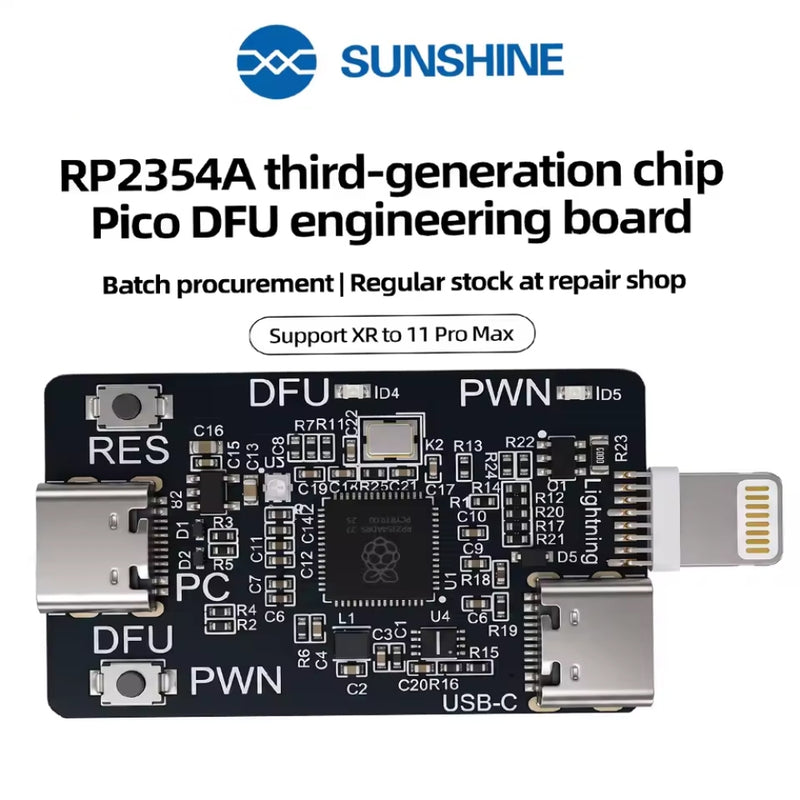
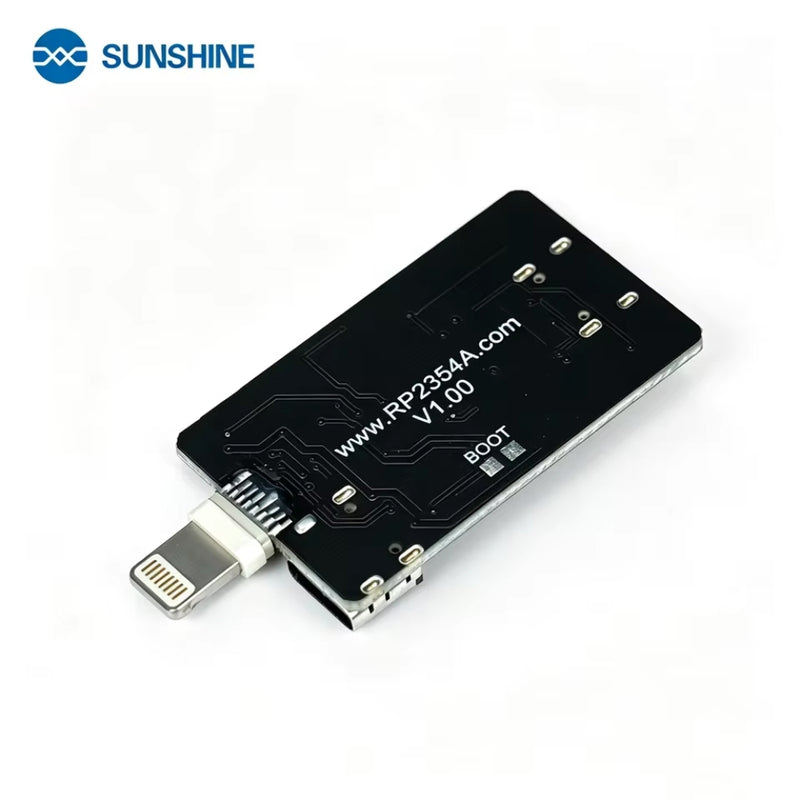
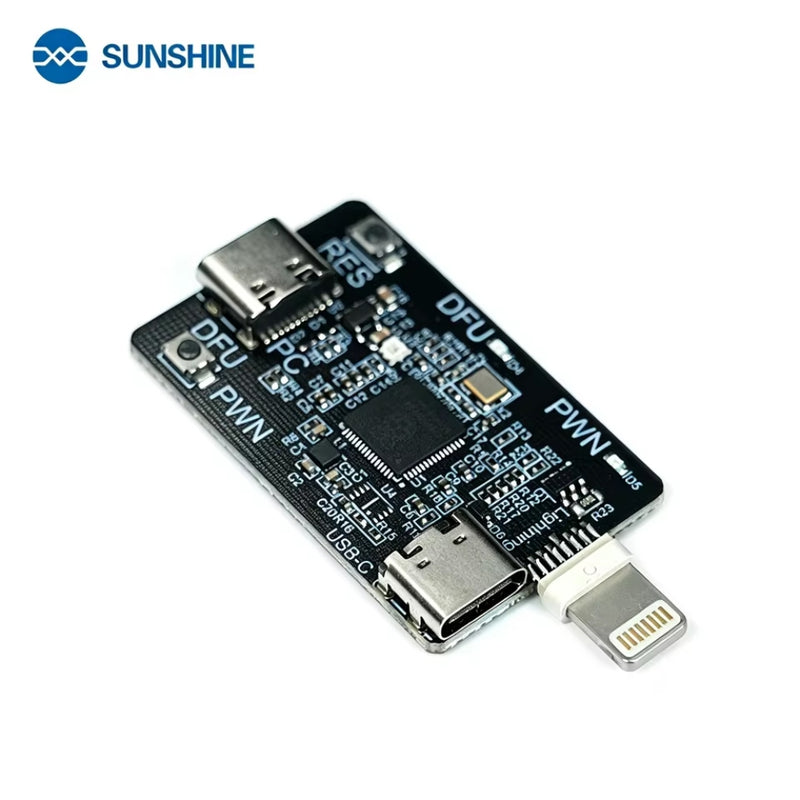
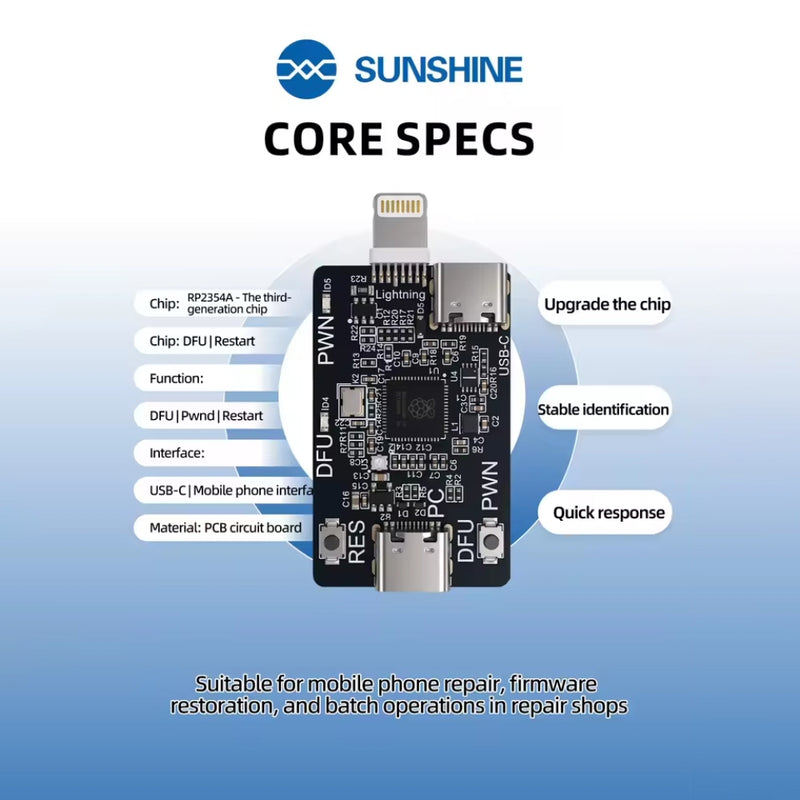
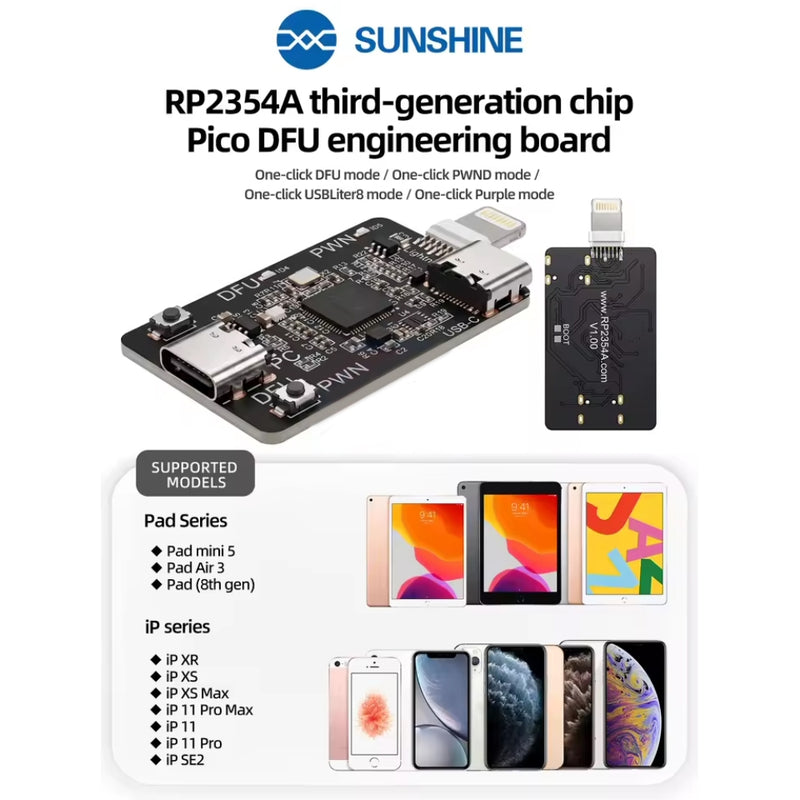
The RP2354A DFU Engineering Board is a powerful repair tool designed for entering DFU mode, PWN mode, and recovery modes on compatible Apple devices. Featuring the latest third-generation RP2354A chip, it provides simple one-click operation without the need for additional engineering cables.
Key Features
- Advanced RP2354A Chip – Third-generation Pico DFU engineering board with built-in engineering cables, ready to use out of the box.
- One-Click Operation – Easily enter DFU mode, PWN mode, USB Liter 8 mode, Purple mode, restart devices, and exit recovery modes.
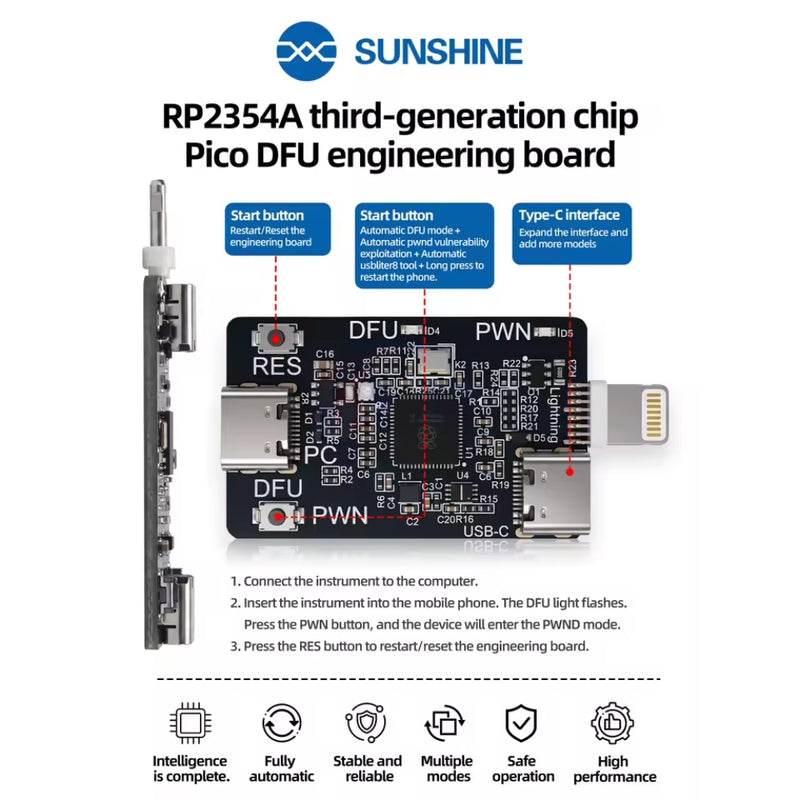
- USB-C Expansion Interface – Reserved Type-C port supports future updates and additional device compatibility.
- Powerful Software Support – Simple operation with continuous firmware improvements.
-
Wide Compatibility – Supports Apple devices with A12/A13 chips, including:
- iPhone XR
- iPhone XS / XS Max
- iPhone 11 / 11 Pro / 11 Pro Max
- iPhone SE (2nd Generation)
- iPad mini 5
- iPad Air 3
- iPad 8th Generation
How to Use
- Connect the engineering board to a computer.
- Connect the board to the device. The DFU indicator light will flash.
- Press the PWND button to enter PWN mode.
- Press the RES button to restart or reset the engineering board.
Package Includes
- 1 × RP2354A DFU Engineering Board
